
×
,


Powered by groupdocs.com and groupdocs.cloud.
By uploading your files or using our service you agree with our Terms of Service and Privacy Policy.
Crop your JPG images online in seconds - select exactly the area you want to keep and cut away the rest. Our free tool works directly with JPG files and keeps full quality.
Upload your JPG image, drag the selection box to the area you want to keep, and preview it instantly. Add more JPG files to apply the same crop across your whole batch, then download every result together.
All JPG processing happens locally in your browser, so your files never leave your device. It is completely free, needs no signup, and works on any platform.
Cut away the parts of your JPG image you don't need and keep what matters.
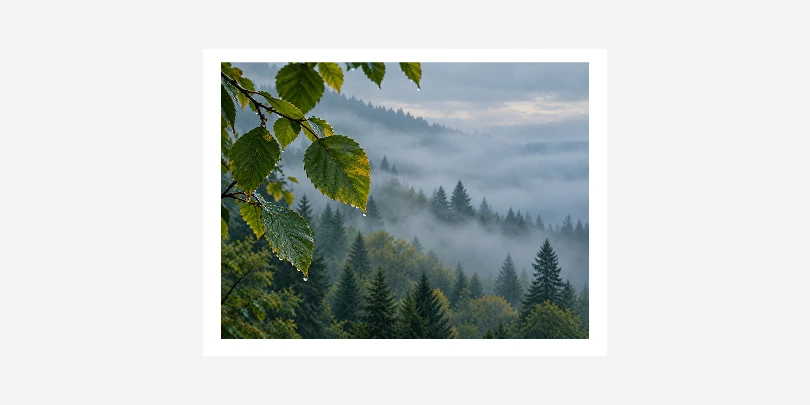 Before
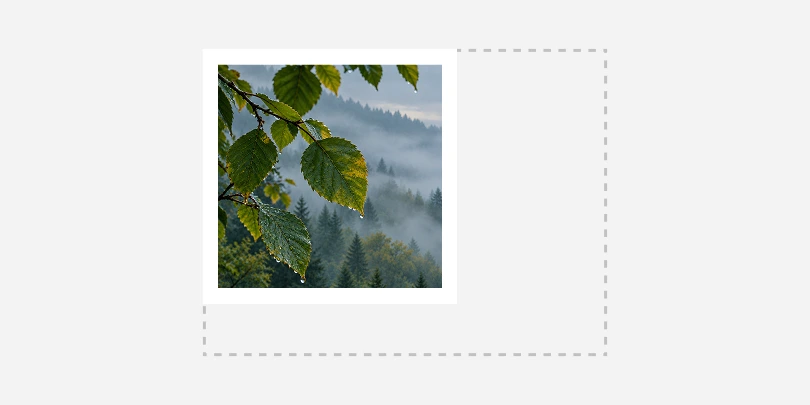 After
After
JPEG is a common image format using lossy compression to significantly reduce file size while balancing visual quality. Ideal for photographs and web graphics, it allows adjustable compression levels to trade off detail for smaller storage, supporting millions of colors and widespread compatibility across devices and platforms.