
×
,


Powered by groupdocs.com and groupdocs.cloud.
By uploading your files or using our service you agree with our Terms of Service and Privacy Policy.
Our online crop tool lets you cut out exactly the part of an image you need. Drag the corners of the selection box to resize it or drag the box itself to move it, then crop to a square, a custom rectangle, or any size you choose.
Upload your image, adjust the crop area using the visual selection box or the width, height, and position fields, and preview the result before downloading. Add more photos to apply the same crop proportionally across a whole batch.
Everything runs locally in your browser, so your images are never uploaded to a server and stay completely private. There is no software to install, no account needed, and it is free with no limits.
Cut away the parts of your image you don't need and keep what matters.
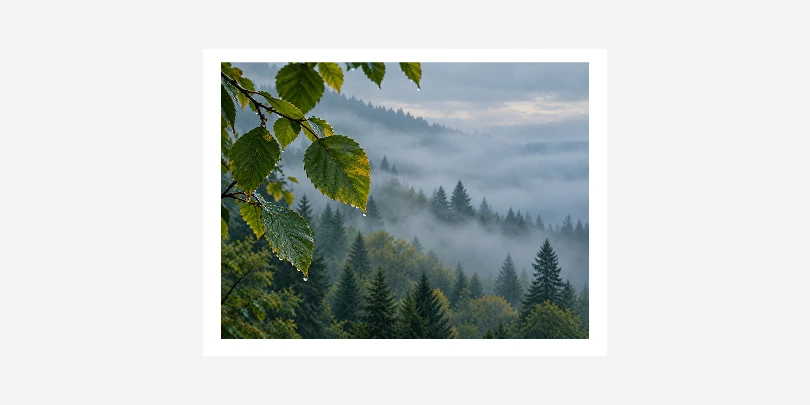 Before
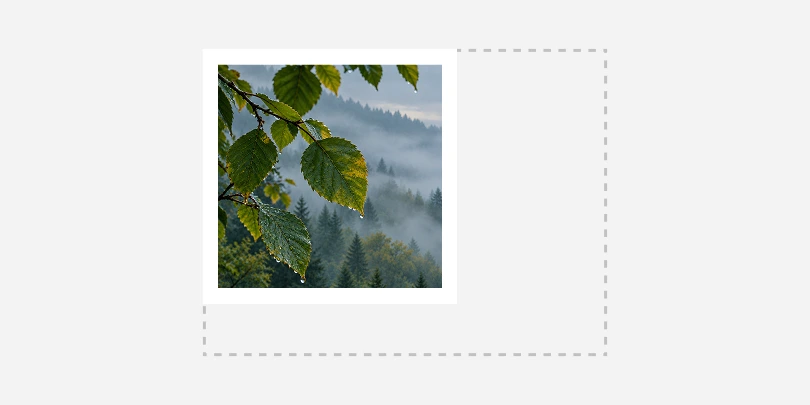 After
After